
Summary
DXF is a vector format that most CNC, panel saw and CAD software understands without conversion. Roostwood generates the DXF of every finished section with all the pieces labeled and ready to import.
Steps
-
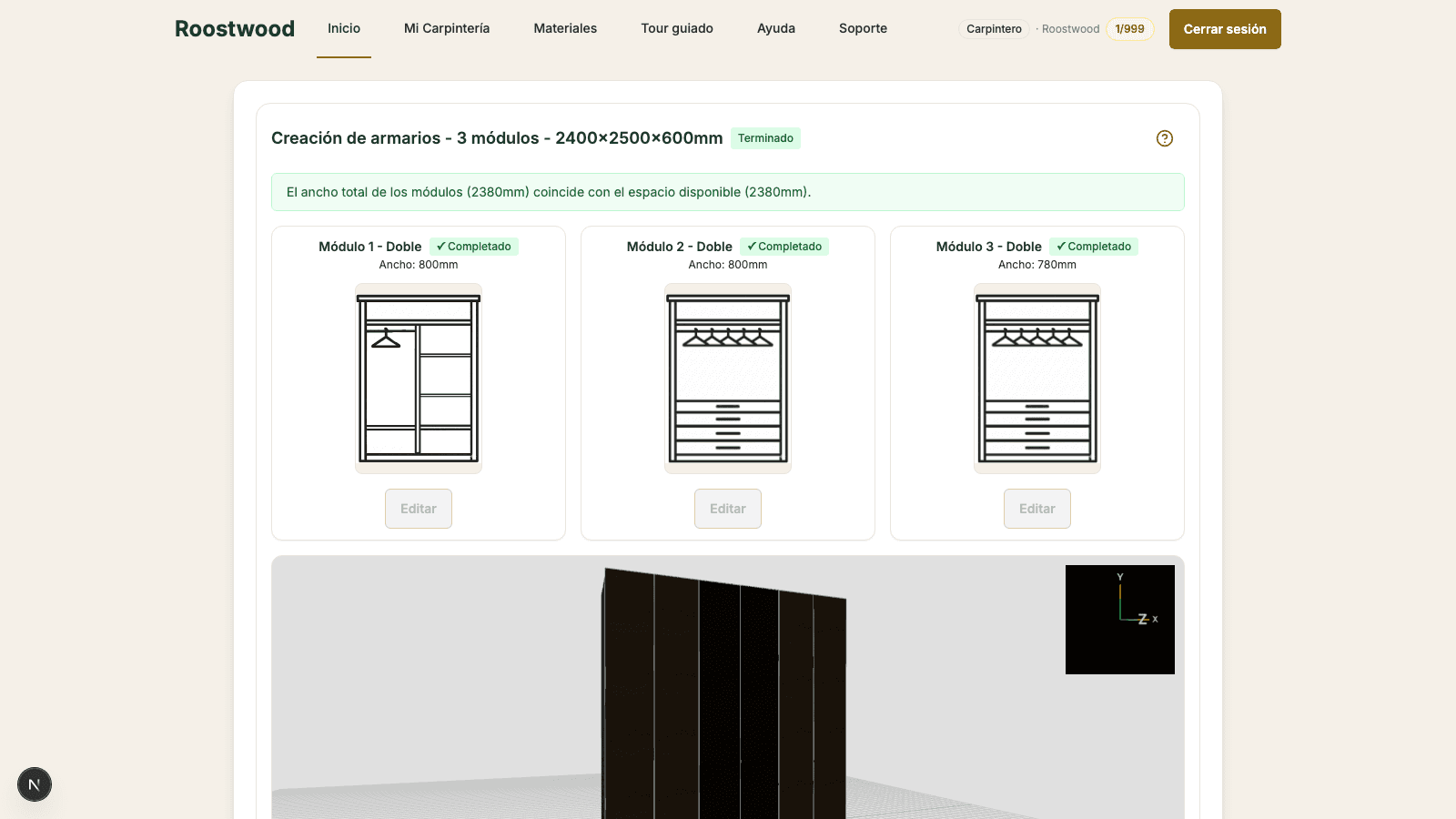
Open the finished project. From the client's Projects modal, press View project on one in the Finished state. You enter the designer in read-only mode, with the export button bar at the bottom (Cut list, Infographic, SketchUp, DXF, Quote, Send to provider).
-
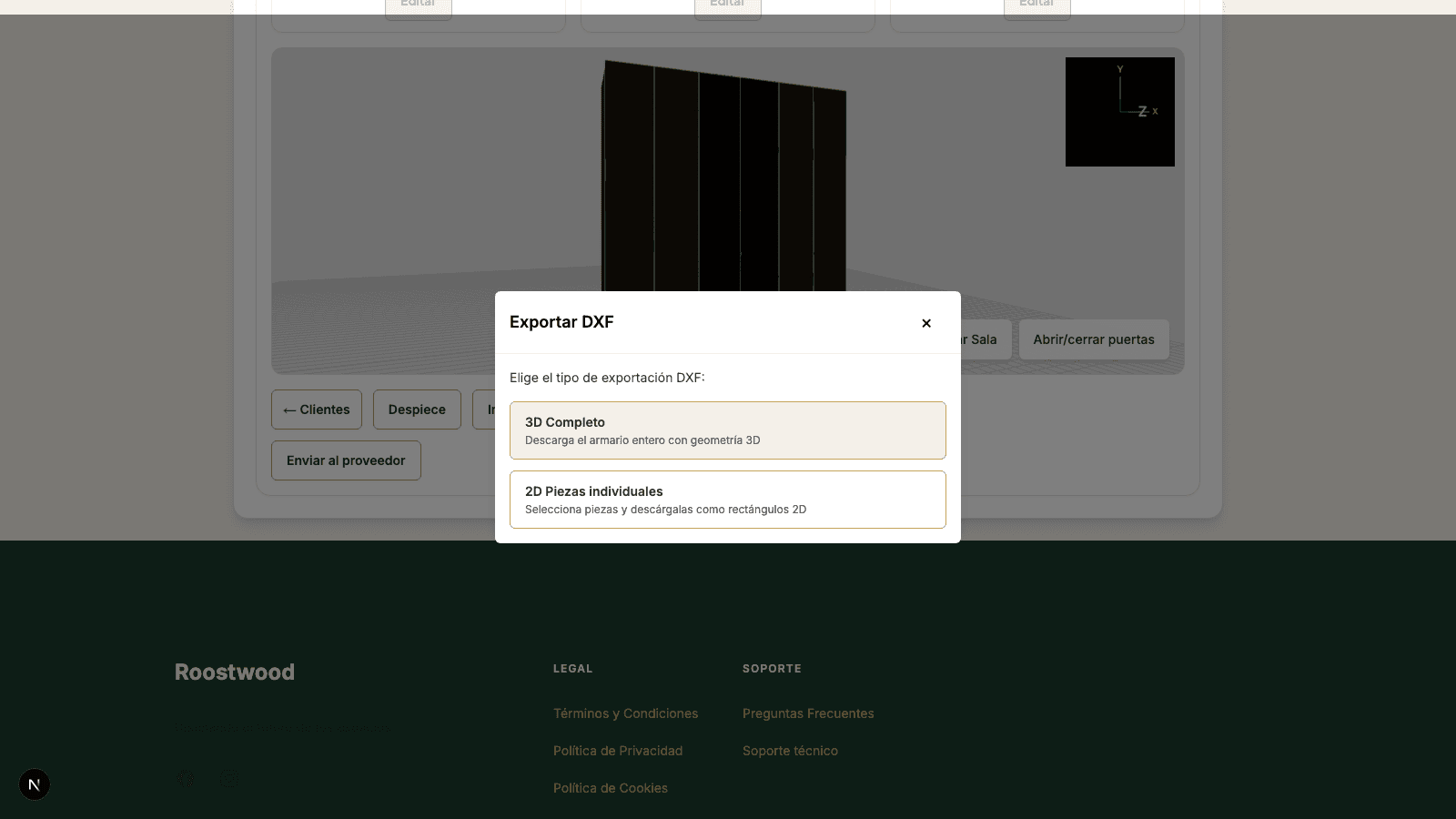
Press "DXF". A modal opens where you choose the export type — the full 3D closet or individual 2D pieces — and download. Generation takes a few seconds: Roostwood compiles the pieces, labels each one with its name, computes the cuts and packages the result.
-
Download. The file lands in your downloads folder. Open it in your CAD software or load it into the saw.
Tips
- Import at 1:1 scale. The DXF carries the real dimensions in mm — if your software imports another unit by default, set it to millimeters first.
- Each piece includes its original name and thickness in the metadata. If your CNC needs separate layers per piece, you can split them after importing.
- If you marked mitered pieces, the DXF carries the adjusted measurements (the joined sides are already reduced). No recalculation needed.