
Summary
If you are a workshop (the role with management permissions), you can invite other carpenters to join your team. When a carpenter joins, the projects, materials and prices the workshop manages become available to them. The invitation works with a single-use code, valid for a few days.
Steps
-
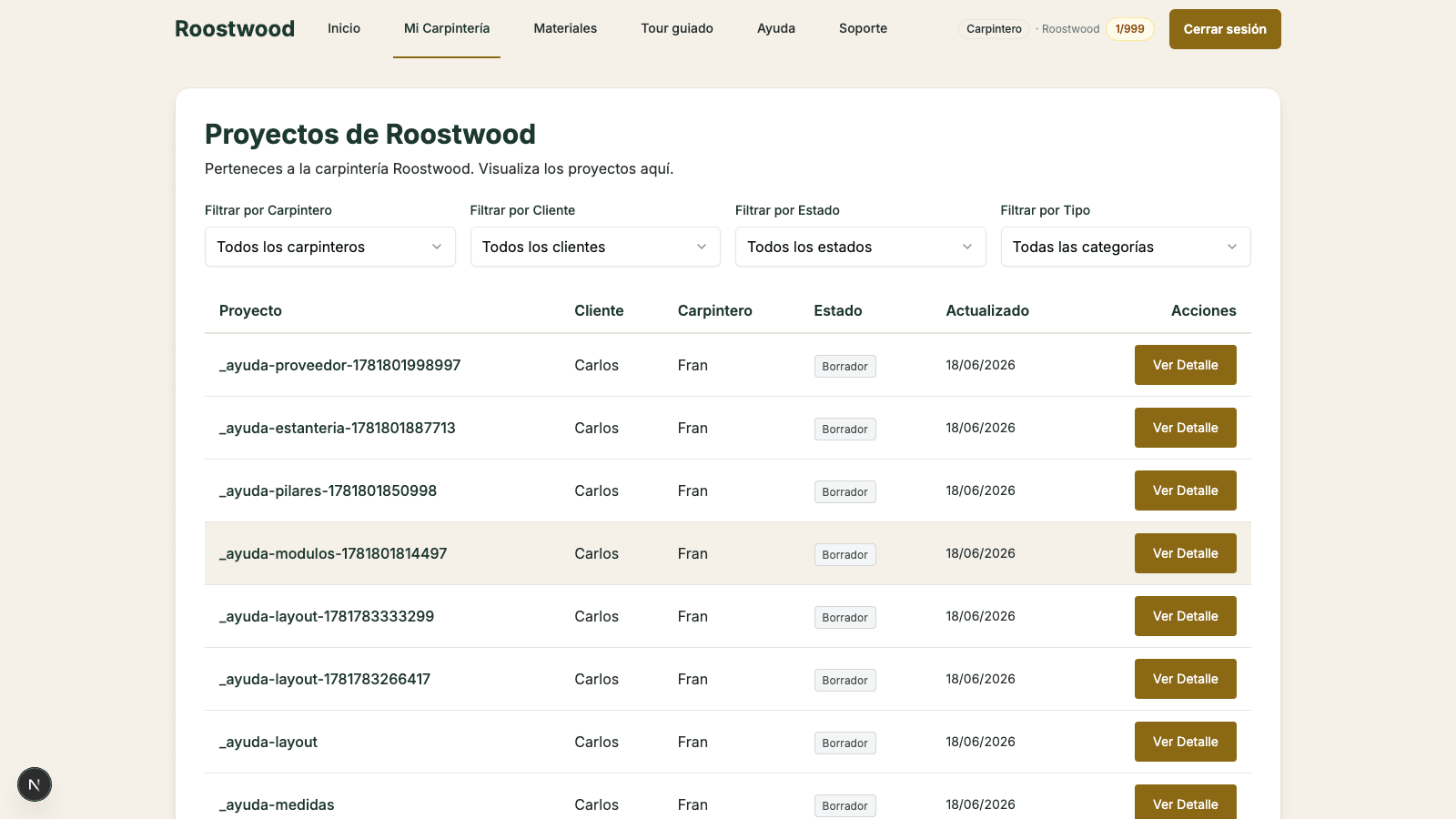
Open your workshop panel. From the top bar switch to the Workshop panel and open the Invitations tab. You will see how the invite flow works, your code statistics and the list of codes you have generated.
-
Press "Generate codes". The button opens a modal where you choose how many codes to create (with an optional note to remember what they were for).
-
Copy the code and share it. The system creates codes like
RW-XXXX-XXXXthat you copy and pass to the invited carpenter (by WhatsApp, email, etc.). You can also copy a sign-up link that carries the code already filled in. -
The invited carpenter signs up. When creating their account as a Carpenter (not Workshop), they enter the code in the invite code field of the sign-up form. Once validated, they are automatically linked to your workshop.
Tips
- Every code expires (codes are valid for a few days). If the carpenter takes long to sign up, generate a new code.
- You can see who has joined from the workshop panel: the carpenters list shows each team member.
- If you need to remove a carpenter, contact support. For safety that action is not available from the panel — it requires extra verification.