Summary
If you work inside a workshop (rather than as an independent carpenter), there are three kinds of materials you will see in the catalog:
- Global — the ones Roostwood offers to everyone.
- My materials — the ones you uploaded to your personal catalog.
- Workshop — the ones someone in your workshop uploaded and shares with you.
How to tell them apart in the carousel
Each material carries its badge in the top-right corner of its carousel card:
- No badge → global material (every carpenter sees it).
- Orange "Mine" badge → personal material you uploaded.
- Gold "Workshop" badge → material shared by your workshop.
Tabs on the Materials page
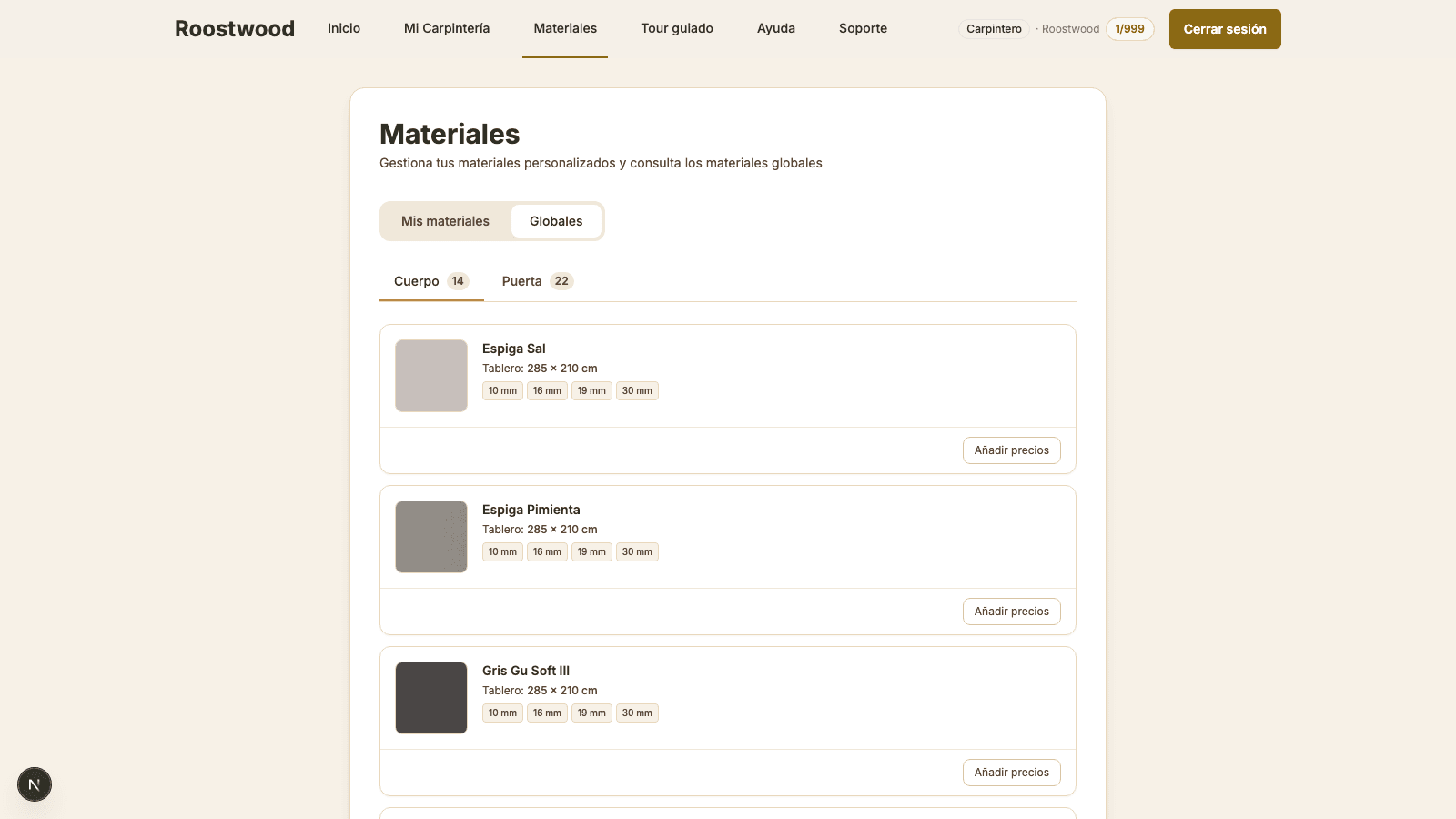
In the Materials section (top bar) you have two tabs:
- My materials — your personal catalog (you upload and delete these).
- Global — Roostwood's global catalog. If you are a workshop (the role with management permissions), here you can also edit the prices of global materials for your workshop (they do not change for anyone else).
Tips
- Per-workshop prices apply automatically: when generating a quote, Roostwood uses the price your workshop defined instead of the global material's default.
- If your role is carpenter (not workshop), you cannot edit global prices — you only manage your personal catalog in My materials.
- For a carpenter to join your workshop, see the guide How to invite carpenters to your workshop.